 Get notified
Read, mark up
and sign. Free.
Leases, forms and contracts: highlight, comment, sign with a digital ID and ask questions with the clause linked.
Your PDF reader shows you the page.
Draft helps you finish it.
Say exactly what you mean.
Highlight the number, strike the clause, and pin your question to the line it's about.
See it on the page ↗02 / SIGNSign with a real digital ID.
A signature other PDF apps can check, with the date, reason and place on it.
Watch it get signed ↗03 / ASKAsk it like you'd ask a person.
“When does my lease end?” Draft AI answers and links to the clause, so you can check it in one click.
See the answer ↗Every comment lands
where it belongs.
Highlight the rent. Strike the pet clause. Ask your question right beside it. Press H and start highlighting. Your marks are saved inside the PDF, so anyone you send it to can see them.
Watch full screen ↗Signed, dated
and checkable.
Drag a box on the signature line, log in to your digital ID and sign. The signature carries your name, the reason, the place and the time, and any PDF app can confirm the document hasn't changed since.
Watch full screen ↗Skip the scrolling.
Get the clause.
Ask “When does my lease end, and how much notice do I give?” Draft AI searches the document, shows you what it read, and answers with a link to the exact clause.
Watch full screen ↗Open it and pick up
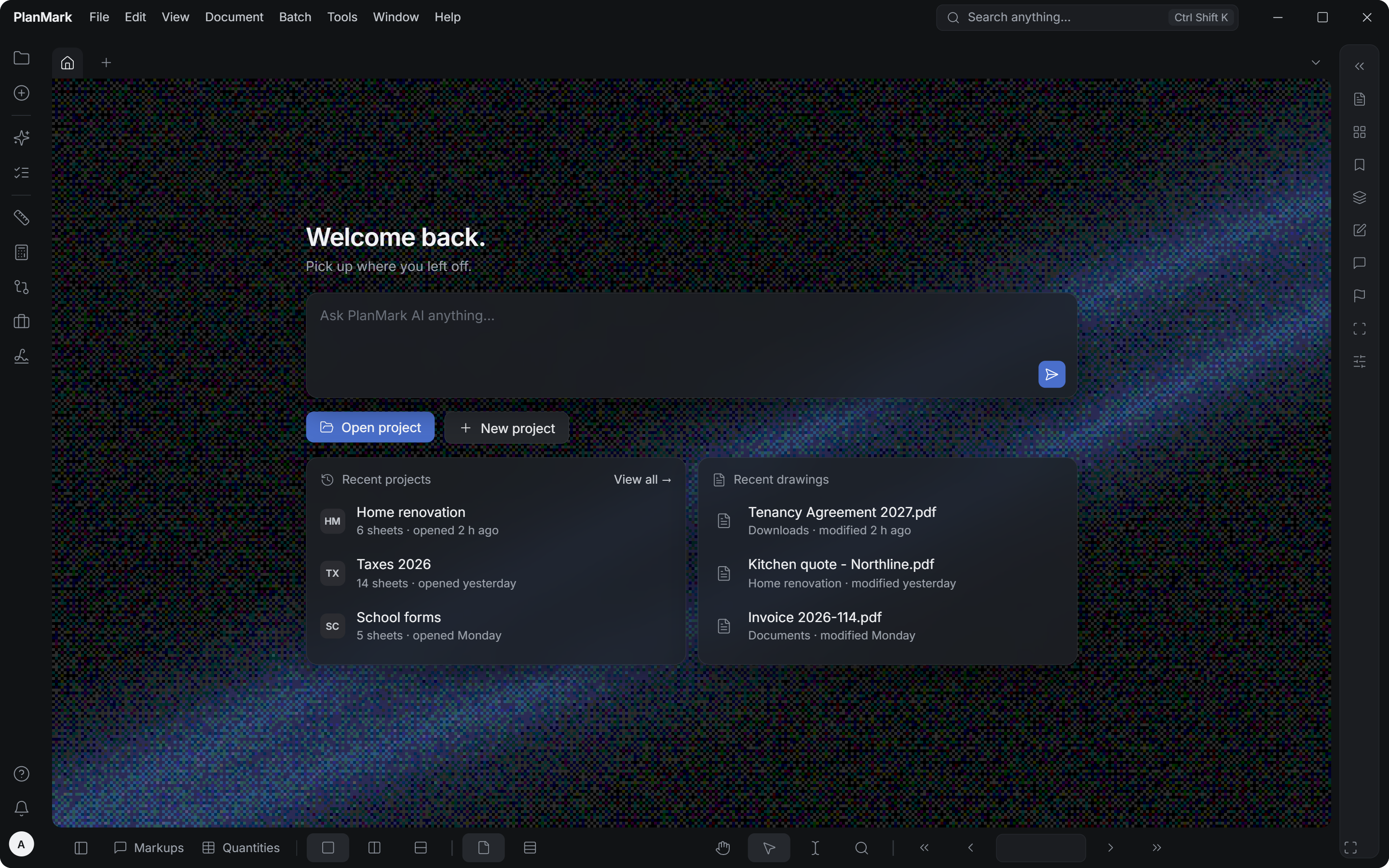
where you left off.
Home shows your recent projects and files, with a box to ask about any of them. No digging through folders.